Prometheus - Windows Exporter
Téléchargement du programme
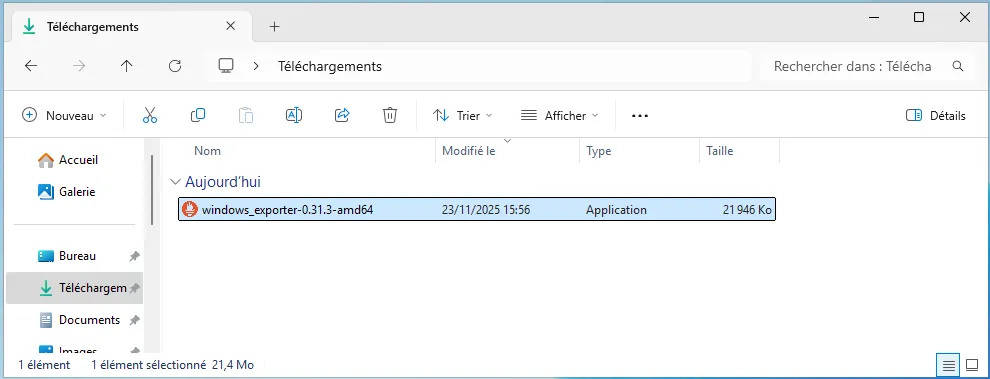
Section intitulée « Téléchargement du programme »Releases · prometheus-community/windows_exporter
Installation
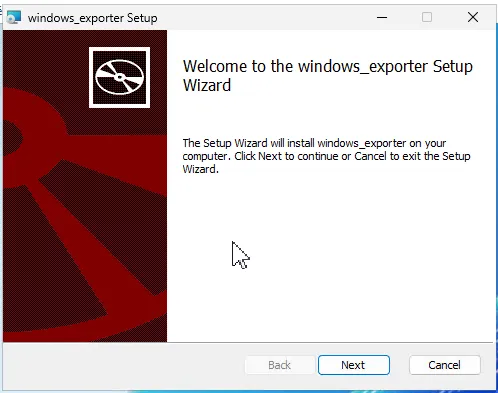
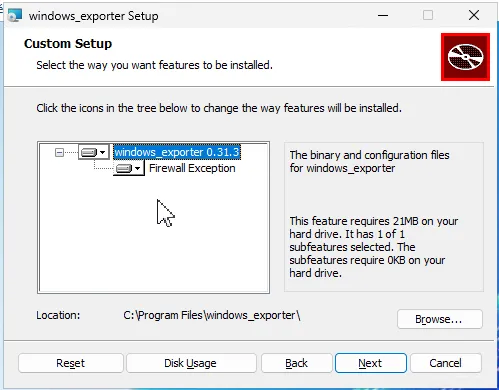
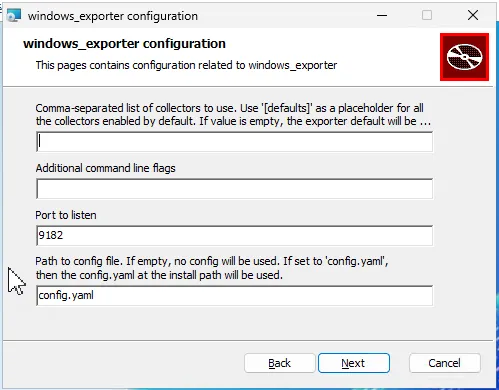
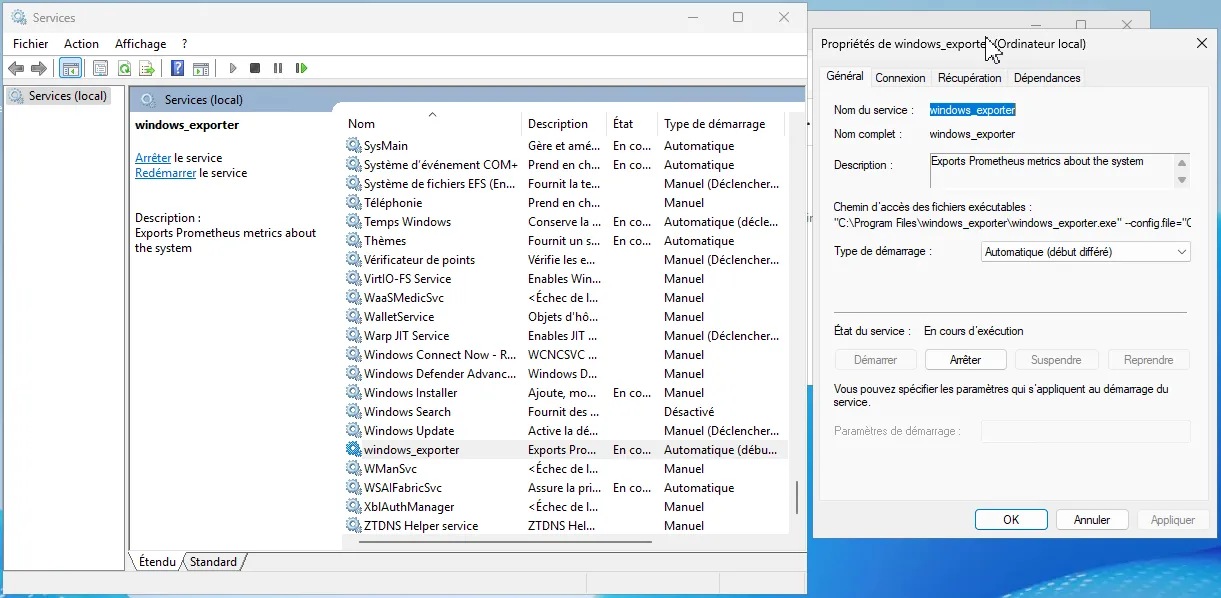
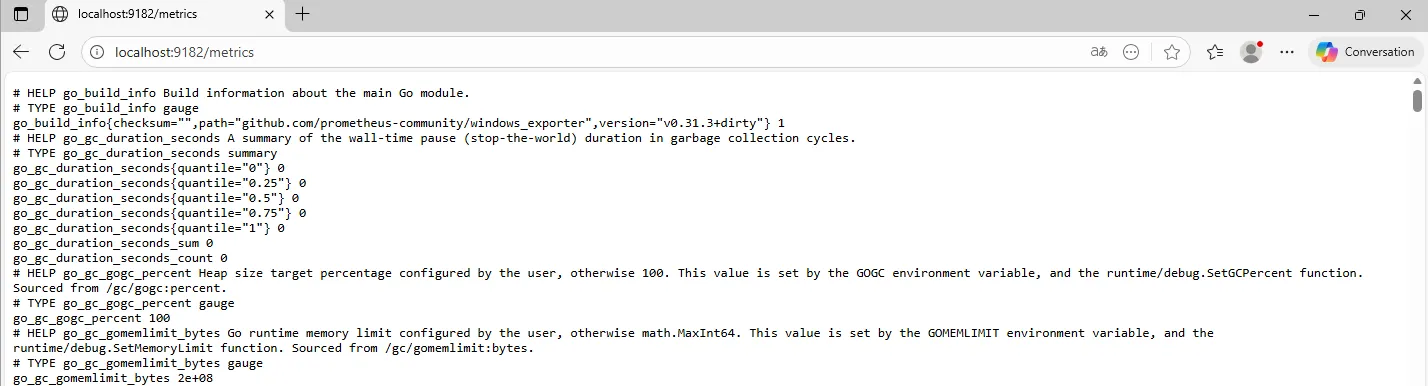
Section intitulée « Installation »Lancer le fichier windows_exporter-0.31.3-amd64.msi
Ajout de l’exporter dans Prometheus
Section intitulée « Ajout de l’exporter dans Prometheus »Nous allons modifier le fichier
root@MONITORING-D13:~ # nano /etc/prometheus/prometheus.yml
  - job_name: winsrv    static_configs:      - targets: ['192.168.130.101:9182']
root@MONITORING-D13:~ # service prometheus restart
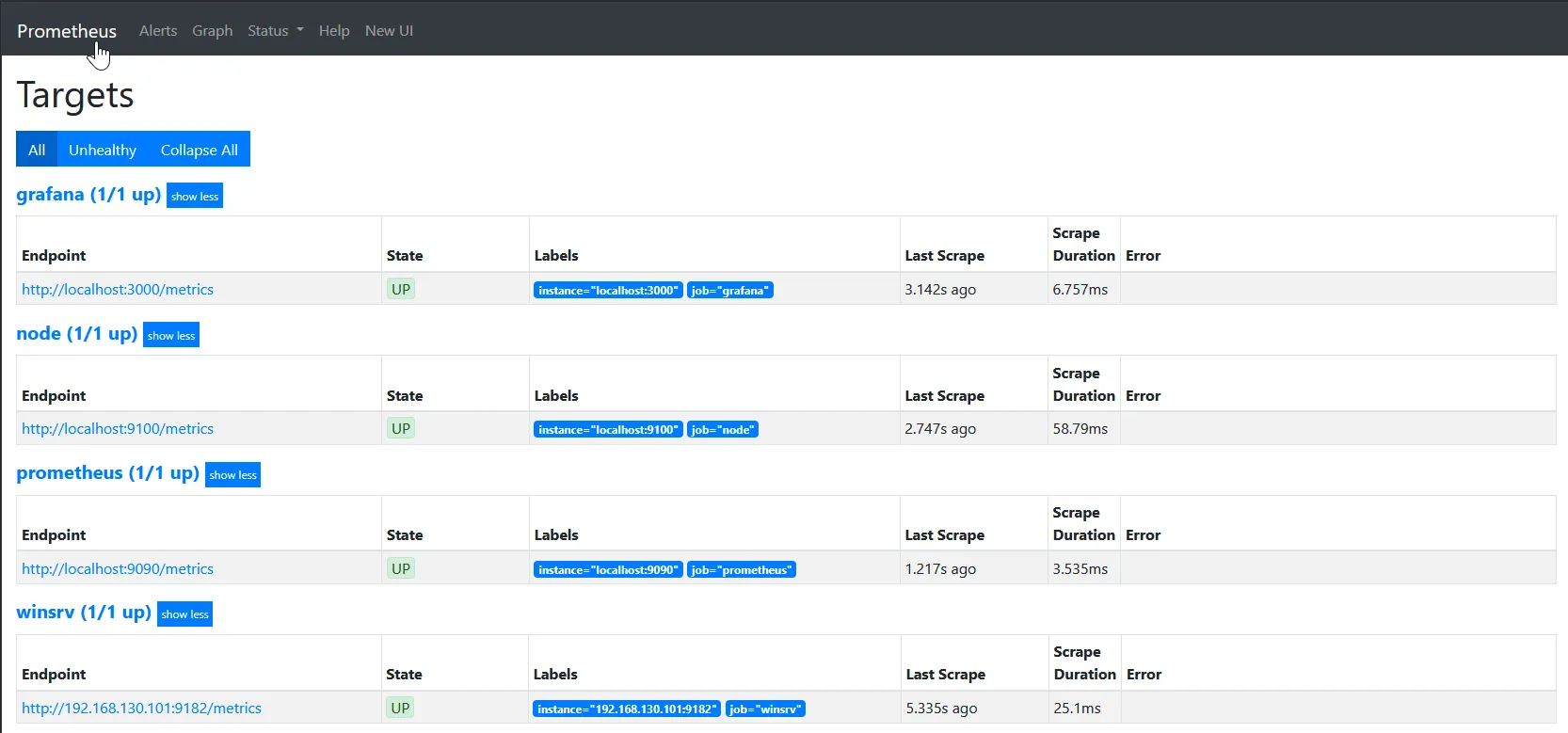
La target est bien configurée